Signal Boy
WiFi survey tool that runs on your own machine. Walk around your house and watch the dBm move.
npx signalboy
The Android app reads WifiManager directly — exact dBm for your own
connection, exact dBm for every nearby access point, plus BLE hunting, cellular
telemetry and link testing. It shows a distance only when the radio actually measured
one, never inferred from signal strength. Installing it needs allowing installs from
your browser once.
What it does
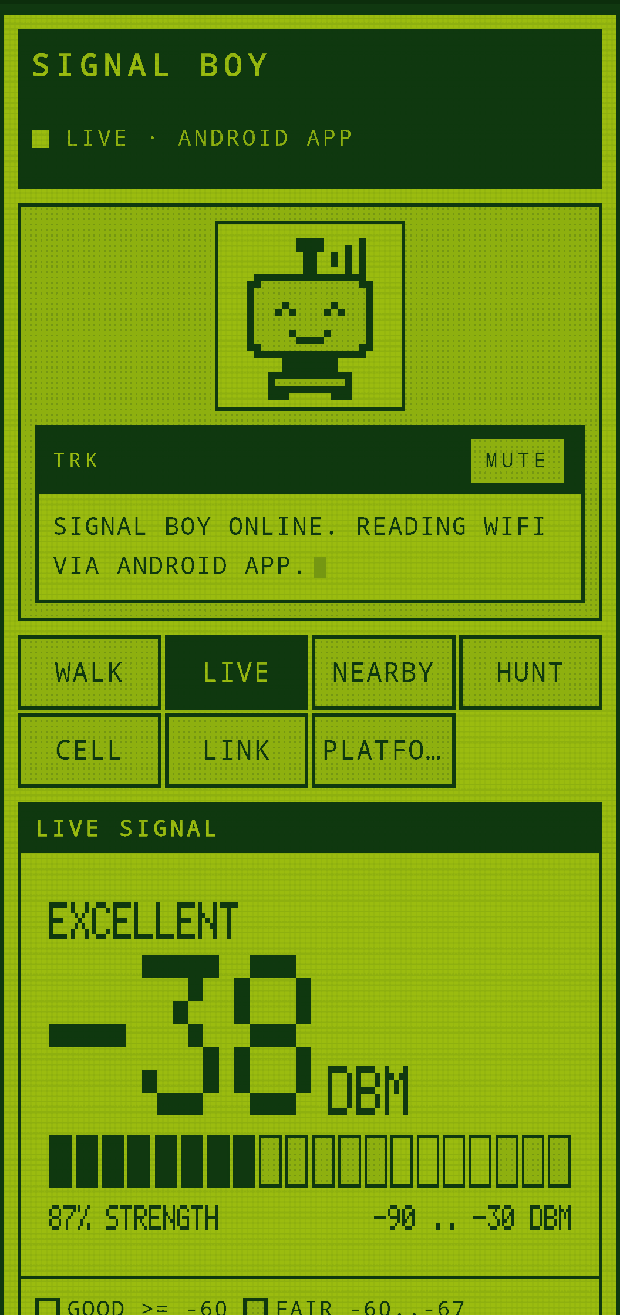
Signal Boy reads the WiFi signal strength of the machine it runs on, once a second, and renders it on a Game Boy-style LCD in your browser. A Kalman filter drives the displayed number so it settles on the true value instead of jittering; an EWMA drives the sparkline so it stays responsive enough to show you walking.
Use it to find dead zones, pick a router location, work out whether a wall is the problem, or check that a mesh node actually helped.
How you use it
-
Run it on the machine you want to measure.
It starts instantly and prints two URLs — one local, one for your network.
$ npx signalboy

  SIGNAL BOY  ->  platform MACOS
  local       ->  http://localhost:3000
  network     ->  http://192.168.1.14:3000  (en0)
- Open the local URL. You get a live dBm readout, a quality band, the noise floor and SNR where your OS reports it, plus the channel, band and PHY mode you are connected on.
- Open the network URL on your phone. Same page, same data, served off your laptop. This is the point — your phone becomes a remote display, so you can carry the number around while the laptop stays put. Both devices need to be on the same WiFi.
- Walk. Stand somewhere, wait two or three seconds for the filter to settle, note the number. Repeat. Anything at −67 dBm or better is comfortable; below −80 you are in trouble.
Reading the number
| dBm | What it means |
|---|---|
| −30 to −50 | Excellent. You are next to the router. |
| −50 to −67 | Good. Video calls and streaming are fine. |
| −67 to −70 | Usable. Fine for browsing, marginal for calls. |
| −70 to −80 | Weak. Expect stalls. |
| Below −80 | Effectively unusable. |
Signal is logarithmic: −60 dBm is ten times the power of −70 dBm, not 17% more.
What the Android app adds
The APK is not a viewer for the daemon — it measures with the radios in your hand, and it carries four things a laptop cannot do.
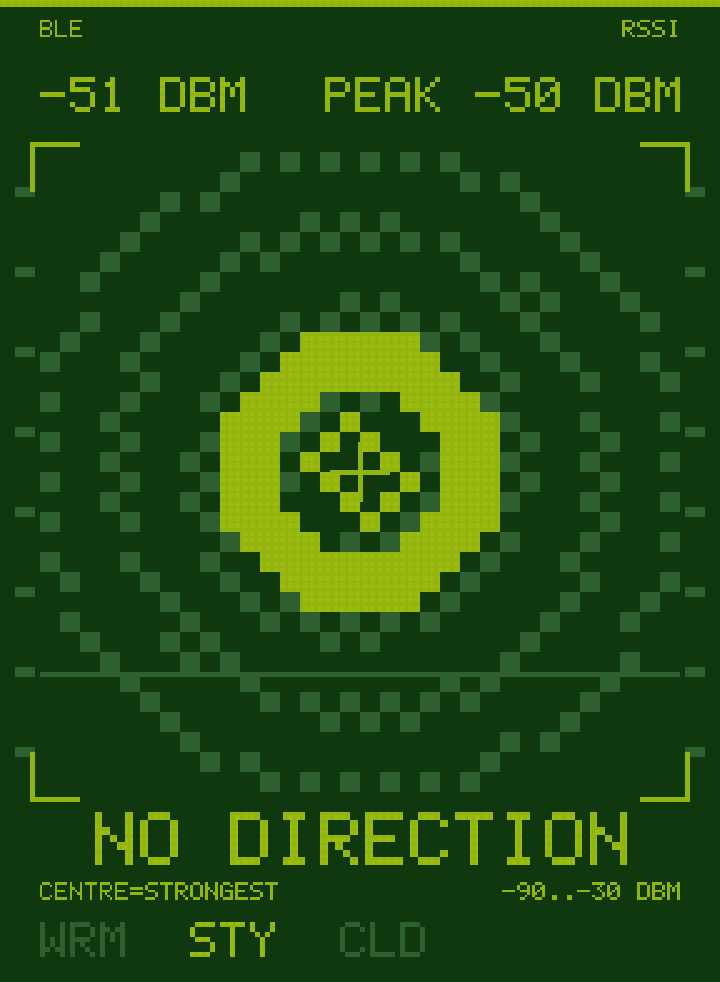
- HUNT — finds Bluetooth devices that advertise, names them where the advertisement allows (Eddystone, Apple Find My, vendor), and tracks one by tone and the display above. Trackers rotate their address every ~15 minutes, so a lost track offers you a likely continuation — offered, never adopted automatically, because it is a guess.
- RANGE — a real distance in metres, on Android 16 and newer, over Bluetooth Channel Sounding. Timed, not inferred from signal strength. It needs a peer whose radio answers; most devices cannot, and it says so rather than guessing.
- CELL — serving and neighbour cells, band, RSRP and RSRQ. Read-only, and it could not be otherwise: the baseband is locked firmware with no transmit path any app can reach.
- LINK — how steady your connection is over time, measured without sending anything, plus an opt-in latency and throughput test. That test is the only part of this app that puts a packet on the wire, and the only part behind a consent gate.
NEARBY also gained a busiest-channel summary, rogue-AP detection (one network name advertising from hardware addresses that disagree) and a channel-power chart — which is not a spectrum, because the radio reports one reading per access point rather than a swept trace.
Options
npx signalboy --https           # serve over TLS (see below)
npx signalboy --port 8080       # bind a specific port
npx signalboy --interval 500    # poll twice a second
npx signalboy --platform linux  # force a backend
npx signalboy --help
Phones
A phone browser cannot read WiFi signal strength. There is no Web API for it on Android or iOS — the OS reserves that for native apps. So on a phone, Signal Boy shows you the host machine's readings over the network. That is still the useful thing: the laptop measures, the phone displays.
Phones do carry sensors a laptop doesn't — a rear camera, a magnetometer, and on Android,
Web Bluetooth. But browsers only expose those in a secure context, and
http://192.168.1.14:3000 is not one. Over plain HTTP they stay greyed out.
Running with --https generates a self-signed certificate covering your
current LAN addresses and serves over TLS. Your phone warns once; accept it and those
sensors become available while the page still talks to your laptop.
Why isn't there a hosted version to try?
Because it could not work. A page served from an HTTPS origin cannot fetch
http://192.168.1.14:3000 — browsers block mixed content with no override.
A hosted copy would get a secure context and lose every reading. The daemon has to serve
the page itself, which is why this site is documentation and the tool is an
npx command.
What works where
Capabilities differ sharply by OS, and they do not form a hierarchy — Windows sees every nearby access point while macOS refuses to. Signal Boy reads this matrix at runtime and greys out what your platform cannot do, with the reason printed next to it. It never shows you a number it had to invent.
| Capability | macOS | Windows | Linux | Android app |
|---|---|---|---|---|
| Own signal | Exact | Yes | Exact | Exact |
| Scan all APs | No | Full | Partial | Full |
| See own SSID | No | Yes | Yes | Yes |
| Noise / SNR | Yes | No | Driver | No |
| BLE hunting | No | No | No | Yes |
| Cell info | No | No | No | Yes |
| True distance | No | No | No | Android 16+ |
macOS removed the airport CLI in 14.4 and reclassified WiFi
metadata as location data. system_profiler still reports your connected
network's signal and noise without sudo, which is enough to survey your own network, but
neighbouring SSIDs come back redacted.
Windows is the strongest platform here: netsh lists every
visible AP with SSID, BSSID, band, channel and signal, with no admin rights.
Linux reads true dBm from /proc/net/wireless with no root.